
The Dashboard is the first thing you see when you log into My GoodReal. You can find an overview of the following sections:
- New MLS® Listings
- Daily Messages Received/Sent
- Latest Messages Received
- Latest Buyers’ Activities
- My Listings Activities
- Calendar
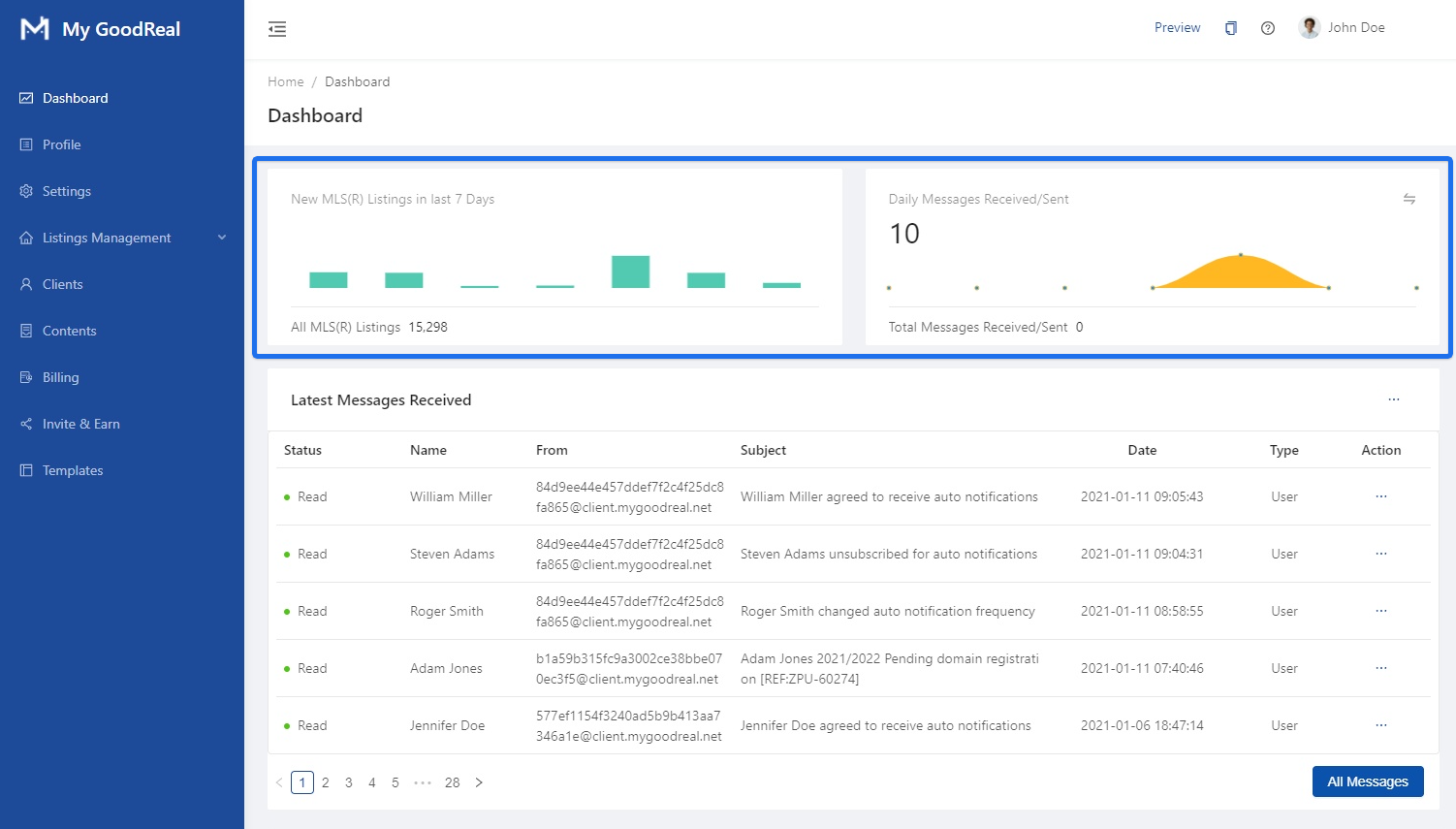
New MLS® Listings & Daily Messages Received/Sent
View graphs of all your MLS® Listings in the last 7 days and all daily messages received/sent.
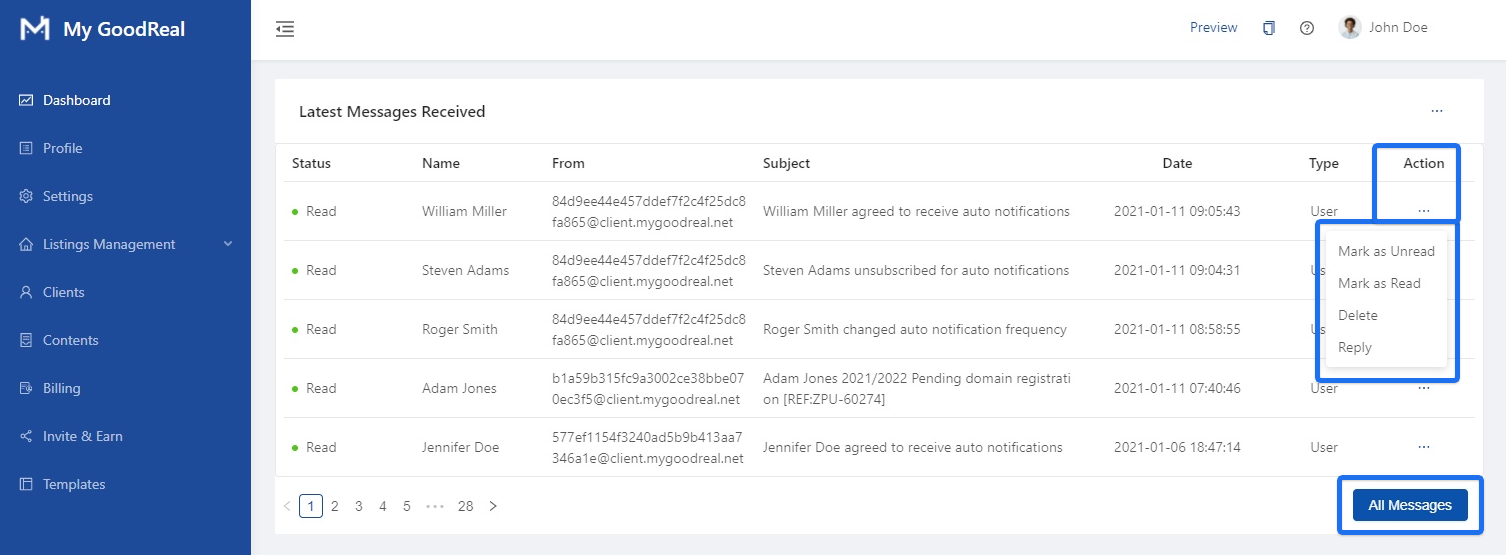
Latest Messages Received
Click the 3 dots under Action to Mark as Unread, Mark as Read, Delete, or Reply. Click the All Messages button to view all messages received.
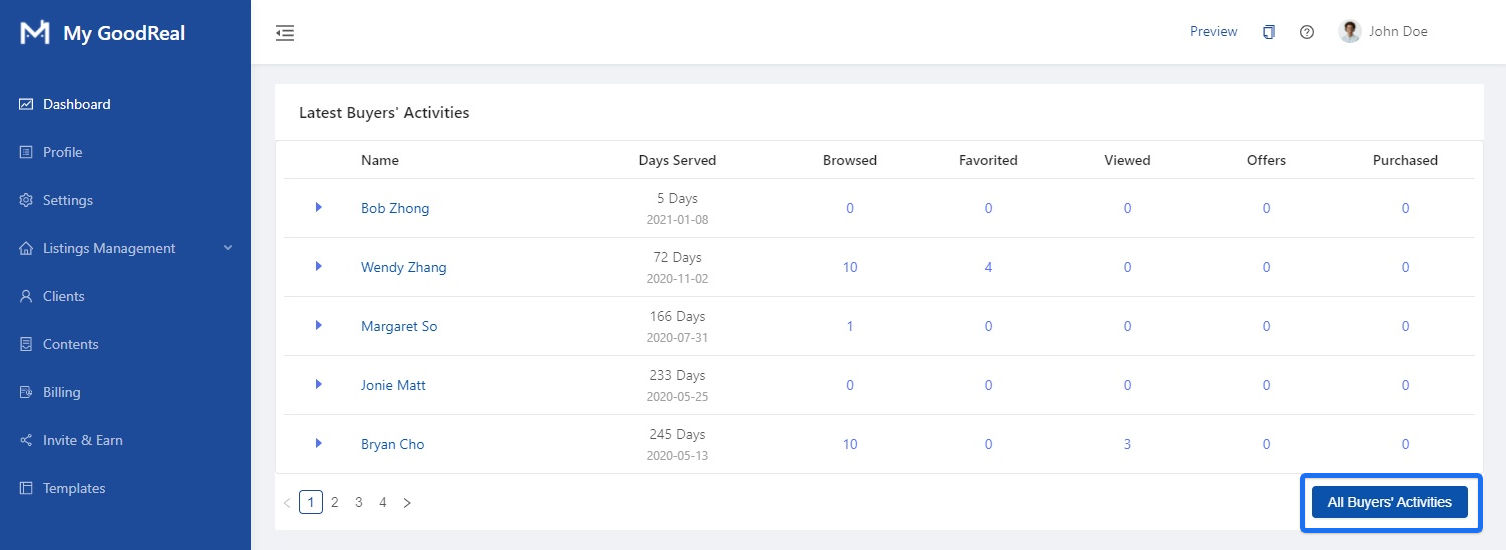
Latest Buyers’ Activities
An overview of each buyer’s activities, such as Browsed, Favorited, Viewed, Offers, and Purchased. Click All Buyers’ Activities to view a full list.
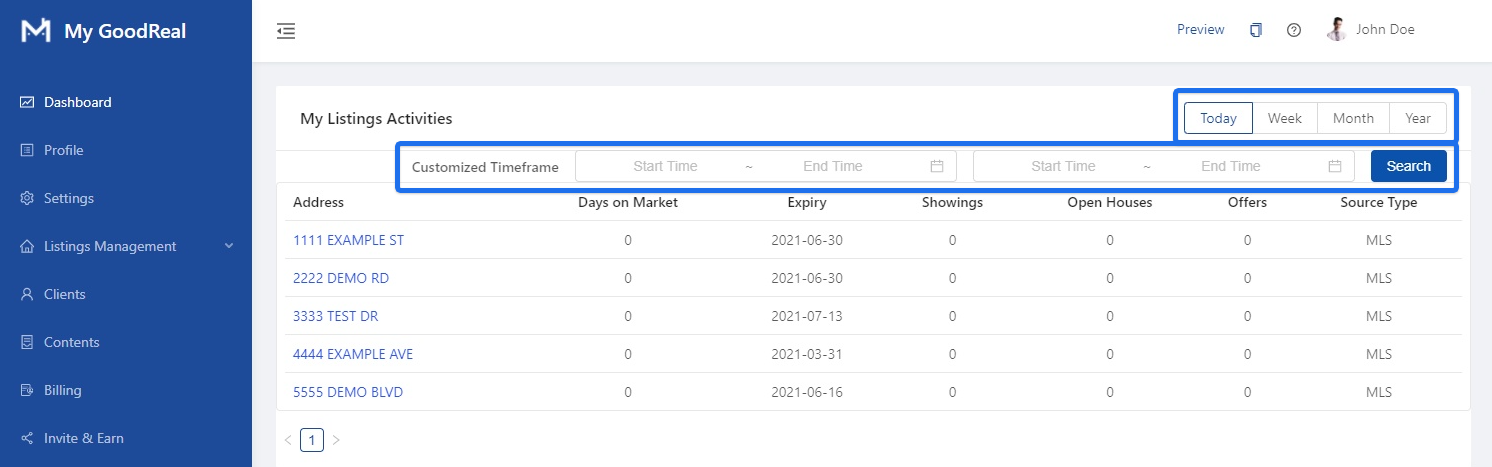
My Listings Activities
An overview of your listing’s activities, such as Days on Market, Expiry, Showings, Open Houses, Offers, and Source Type. Filter your listings by Today, Week, Month, or Year. Search a Customized Timeframe by entering a Start Time and End Time.
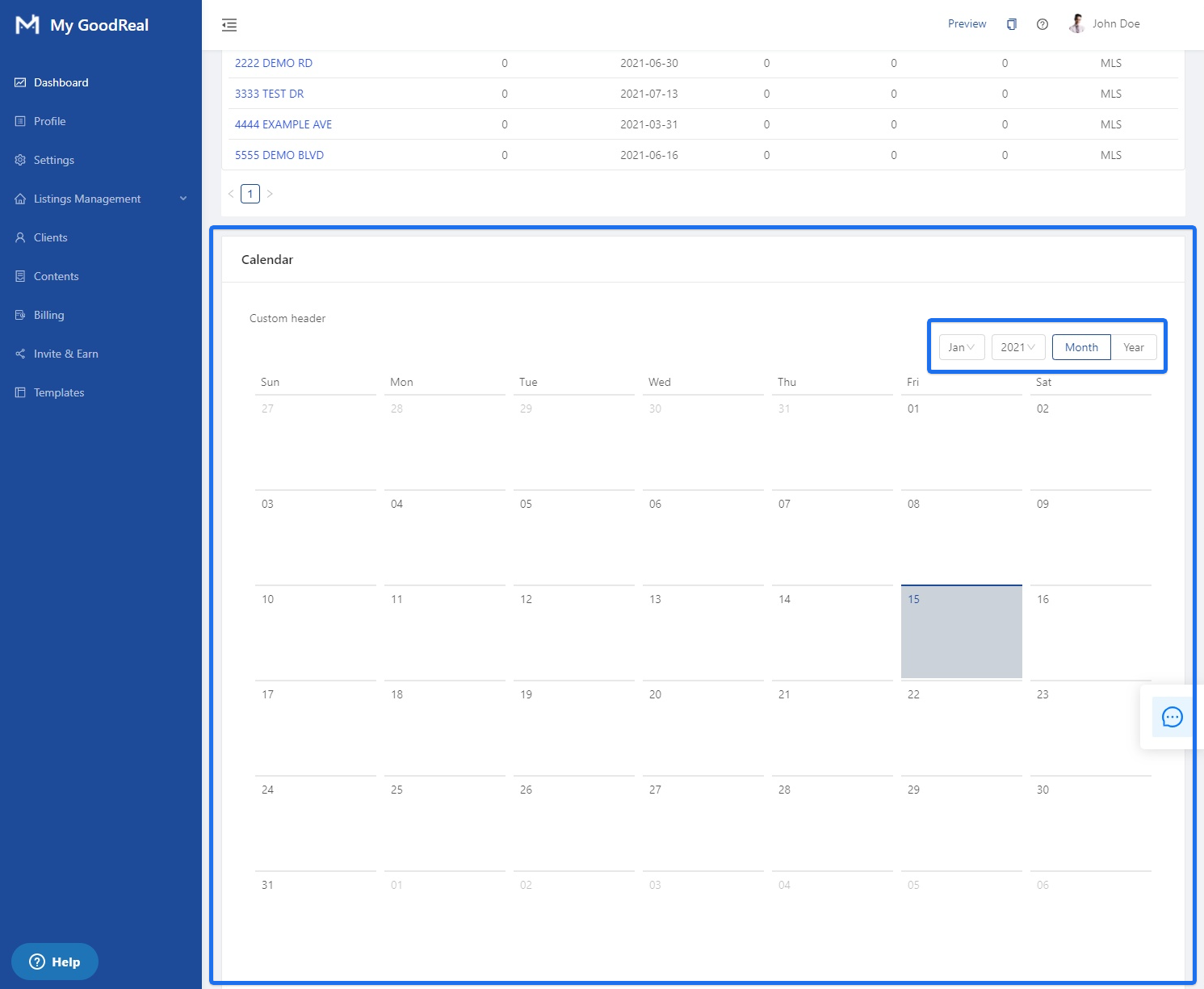
Calendar
View your calendar for any scheduled appointments / important dates. Change your calendar view to either Month or Year.
Comments
0 comments
Article is closed for comments.