
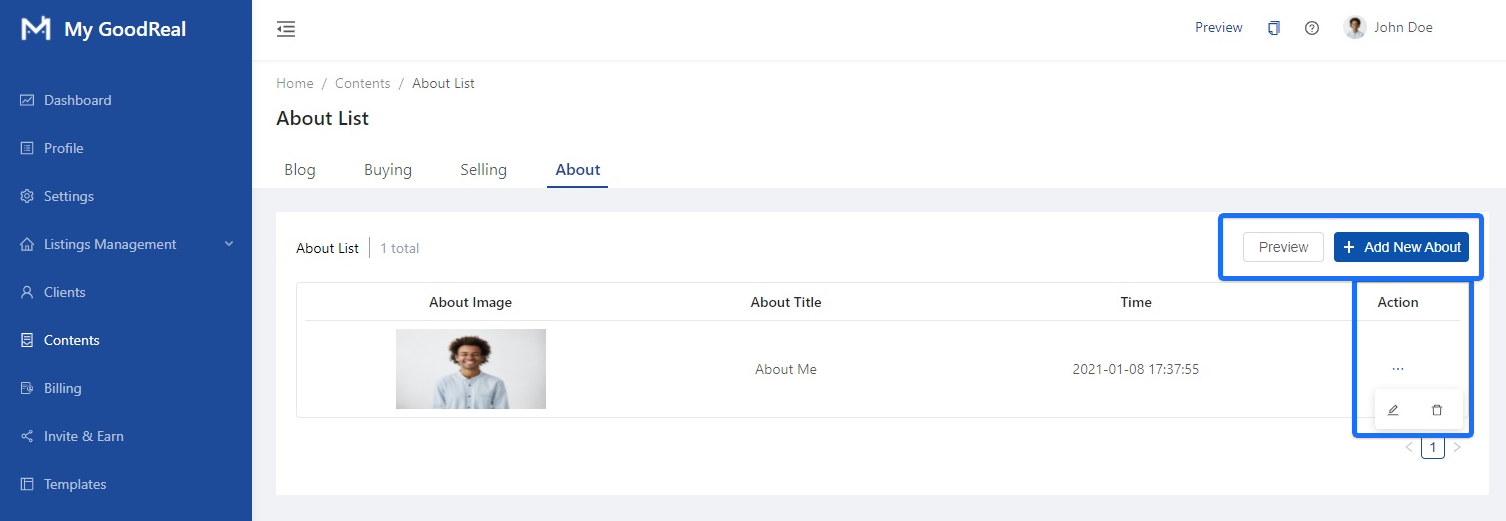
Edit your About to be displayed on your website. Click Preview to see how it looks on the frontend. Click + Add New About to create a new About section. Click the 3 dots (i.e., “…”) to Edit or Delete an existing About section.
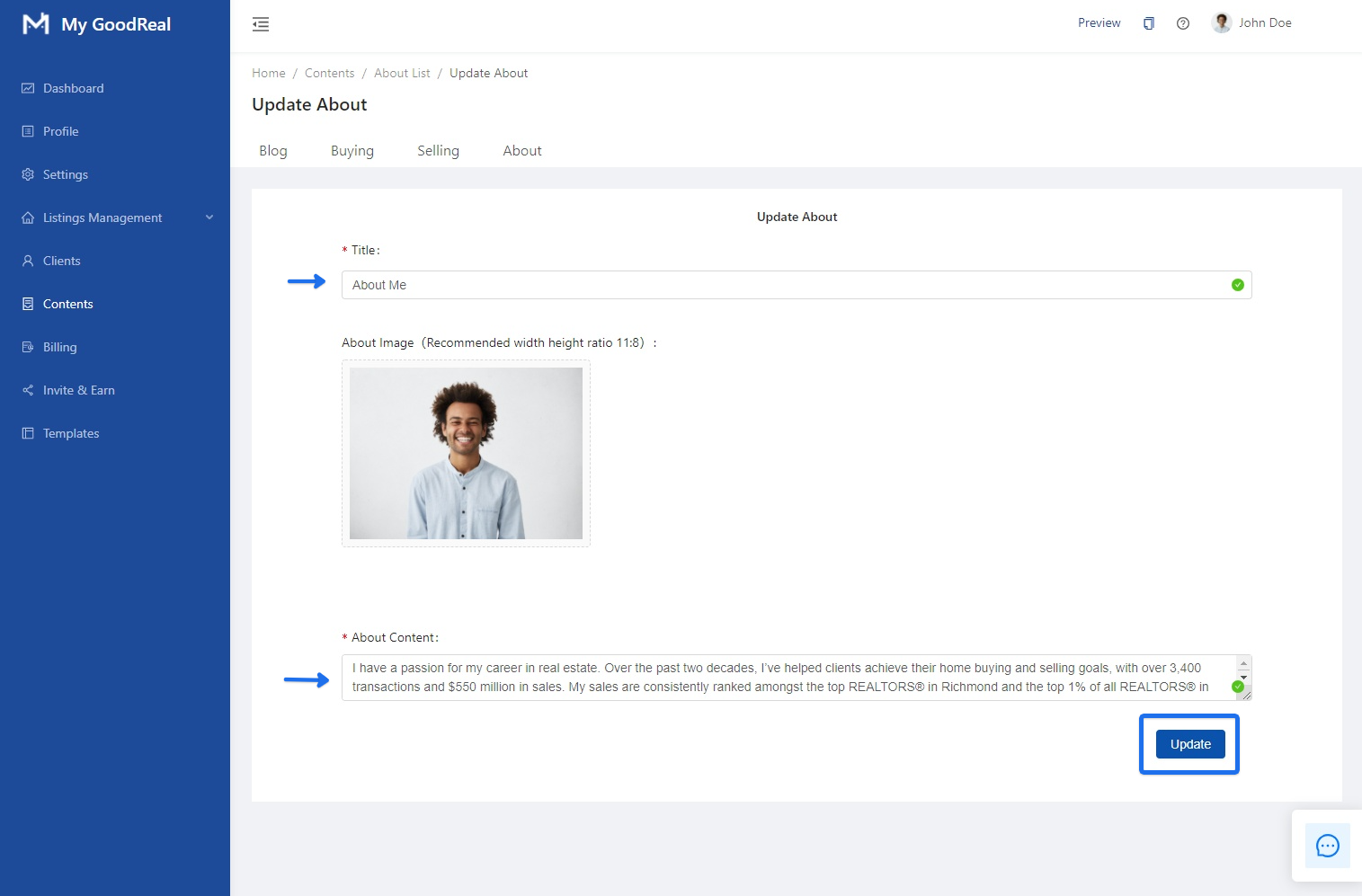
When updating your About section, fill in the Title, upload an Image, and fill in the About Content. Click Update to save all changes.
Comments
0 comments
Article is closed for comments.