
View all your Exclusive Listings. You can also view For Sale, For Rent, Presales/Assignments, Open Houses, and Predefined Lists.
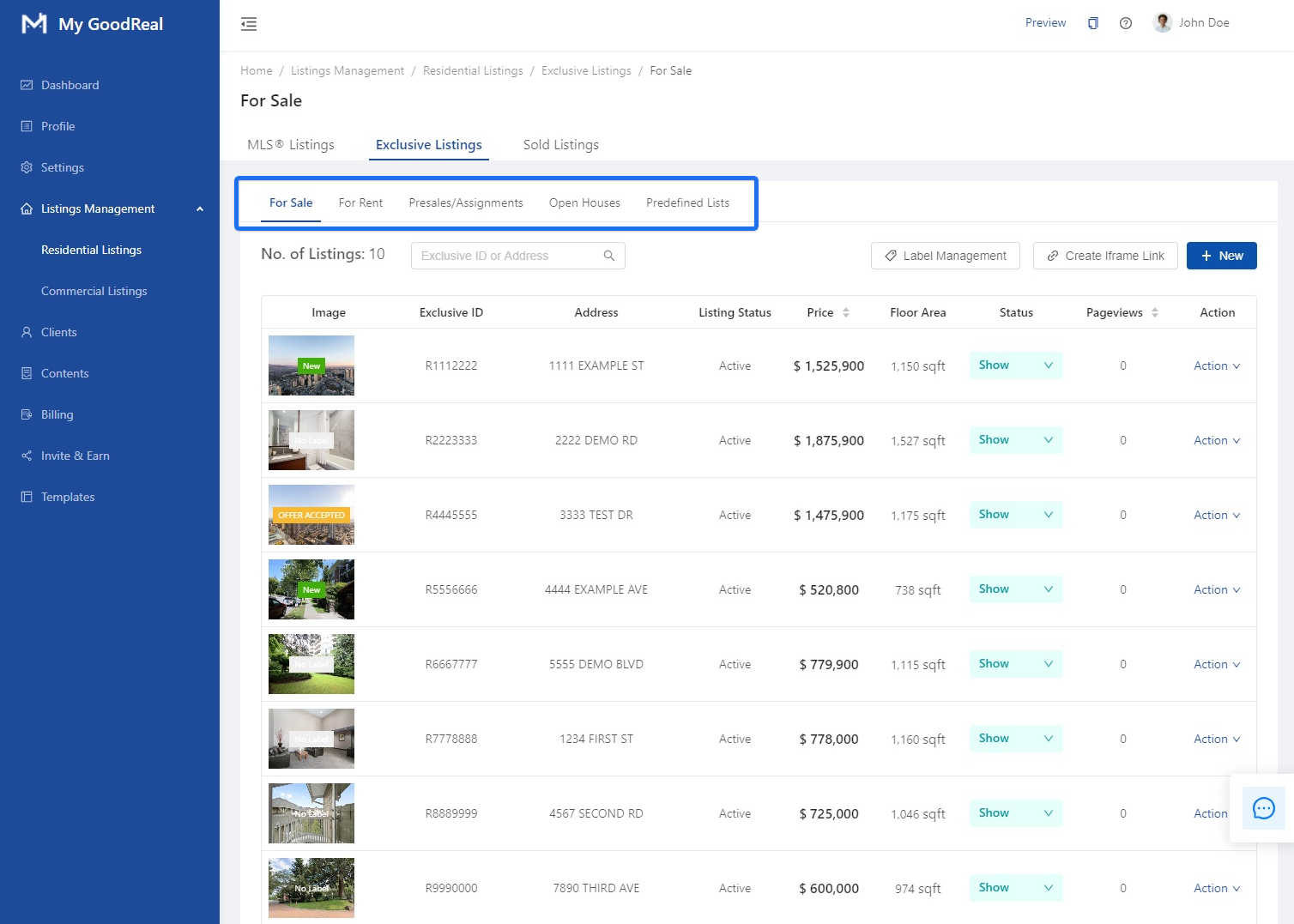
For Sale
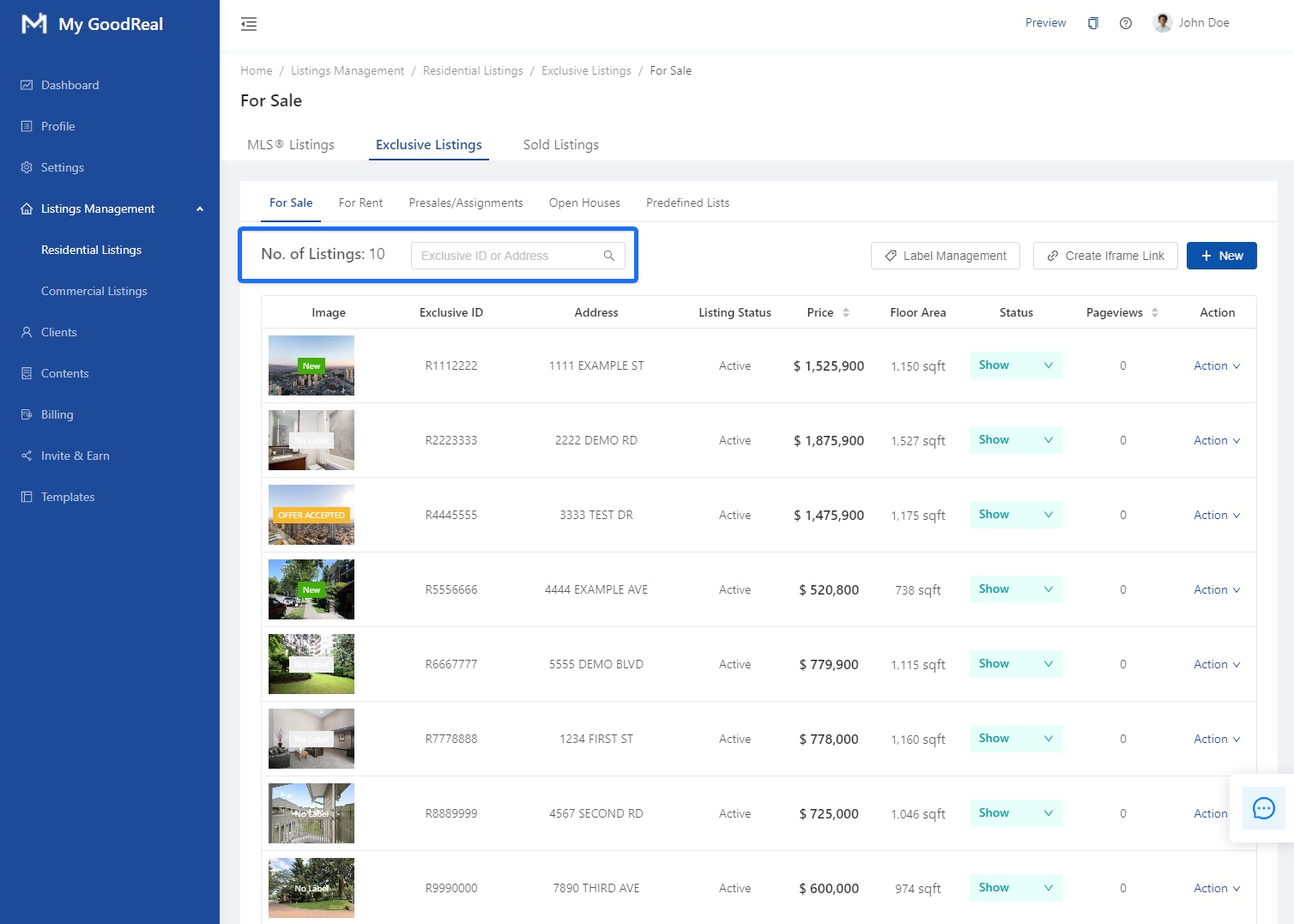
View all your listings For Sale. Search for a listing by entering the Exclusive ID or Address.
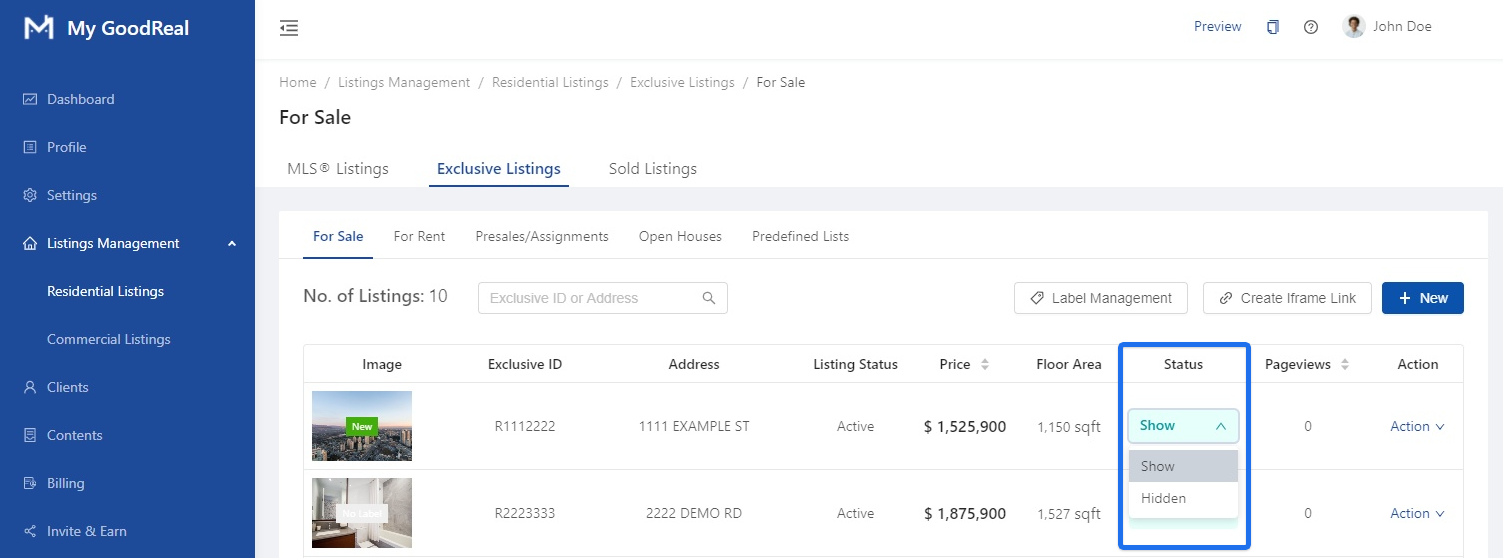
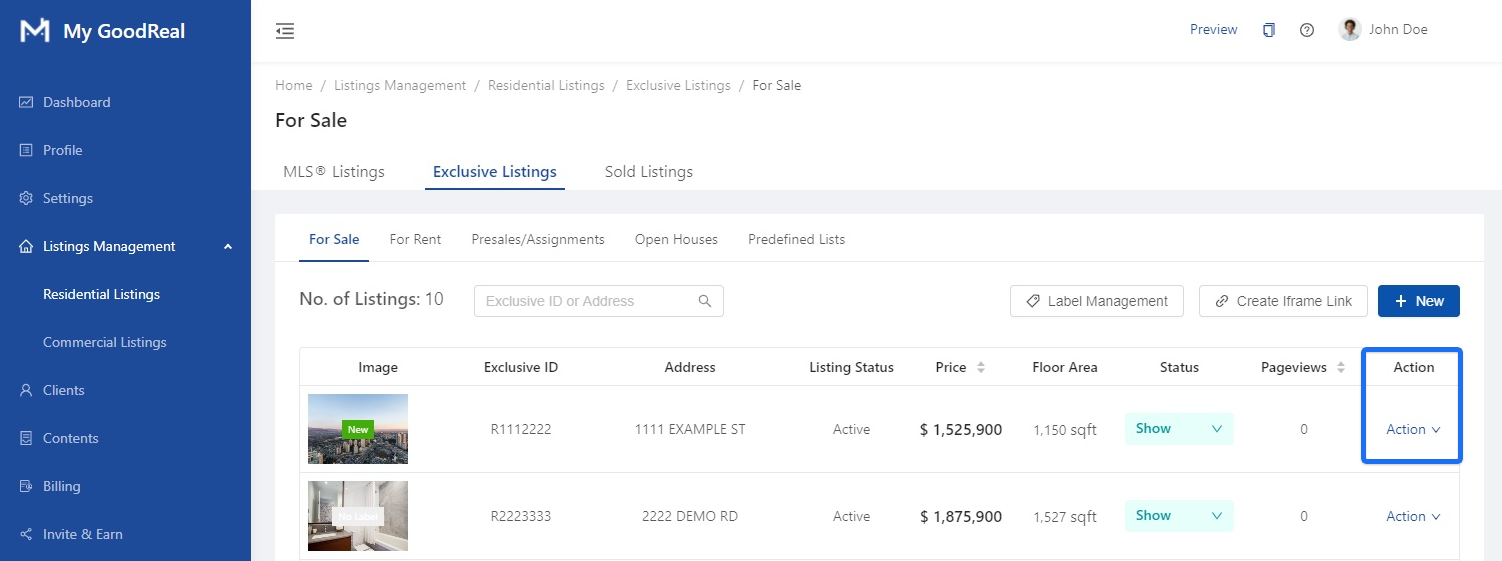
Under Status, whether to Show or make a listing Hidden.
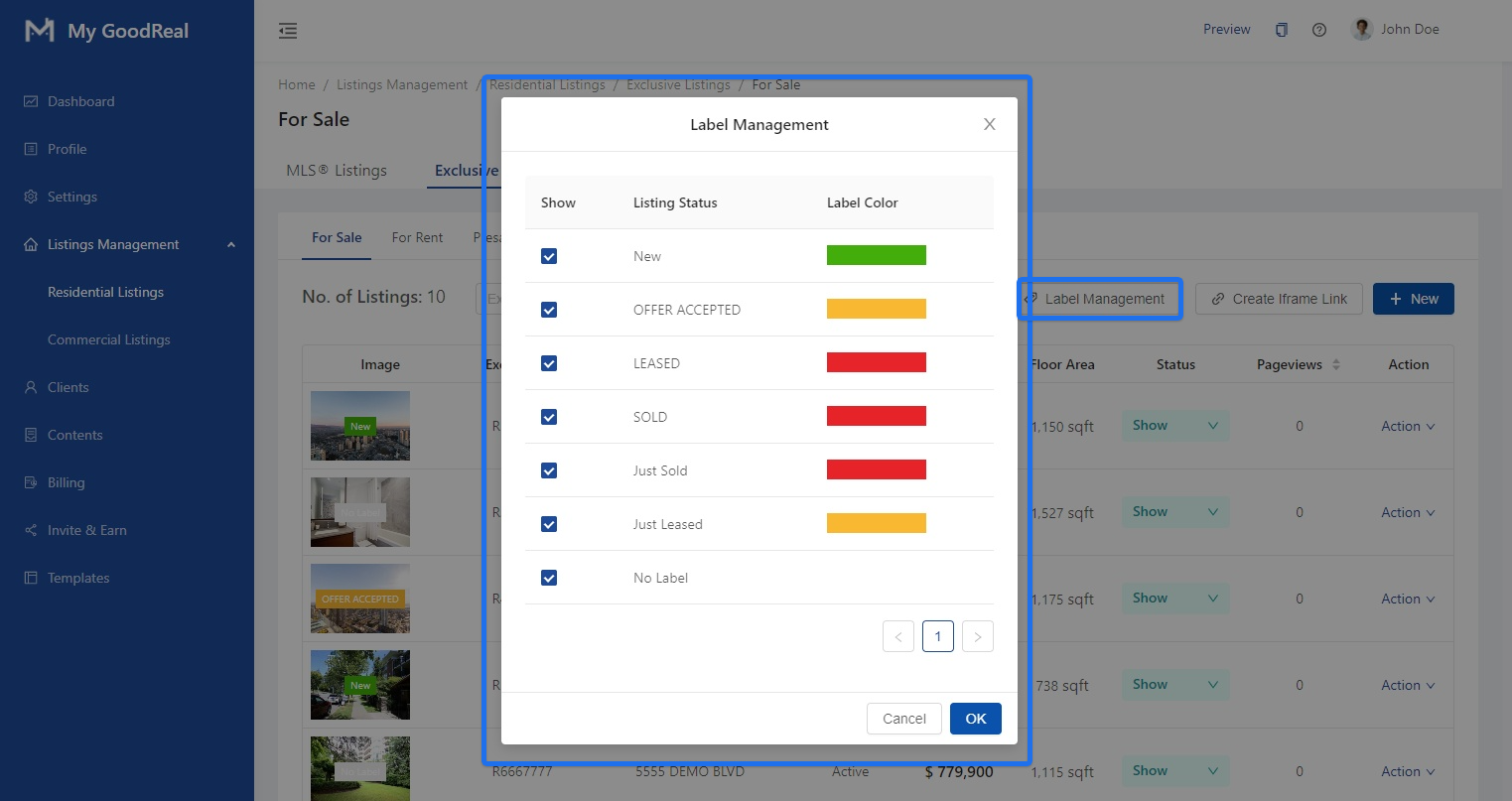
Click Label Management to view the Labels, Listing Status, and Label Color.
Click Action to Edit a specific listing for sale.
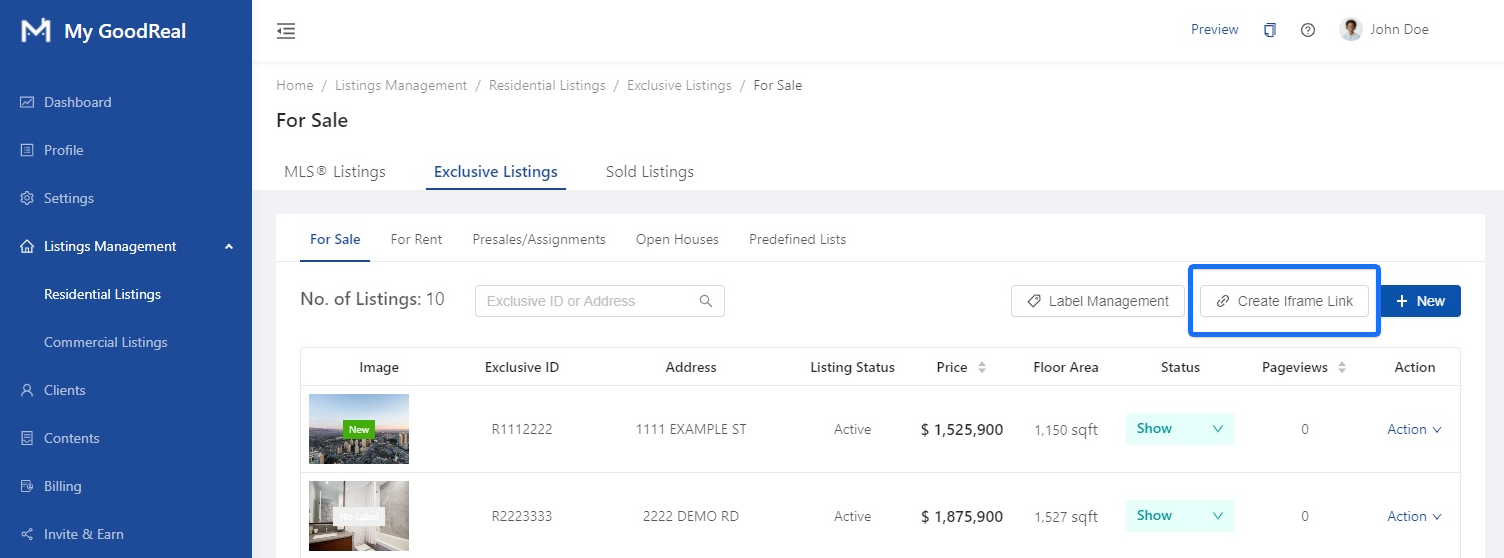
Click to Create Iframe Link.
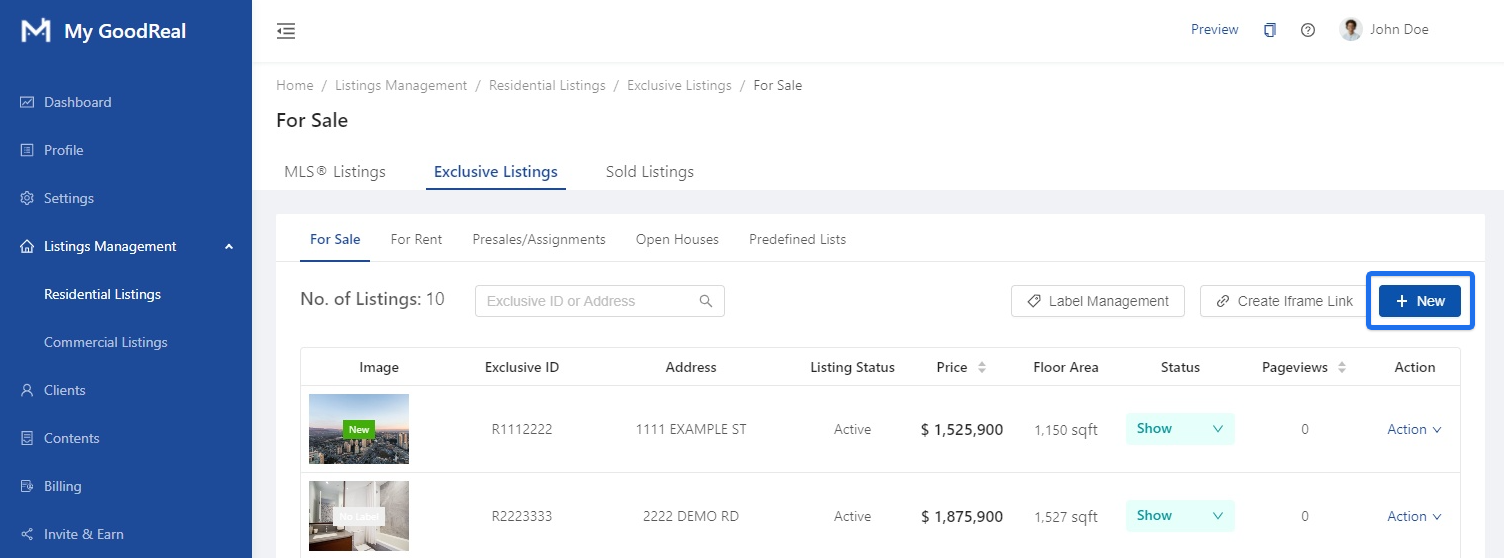
Click + New to add a new listing for sale.
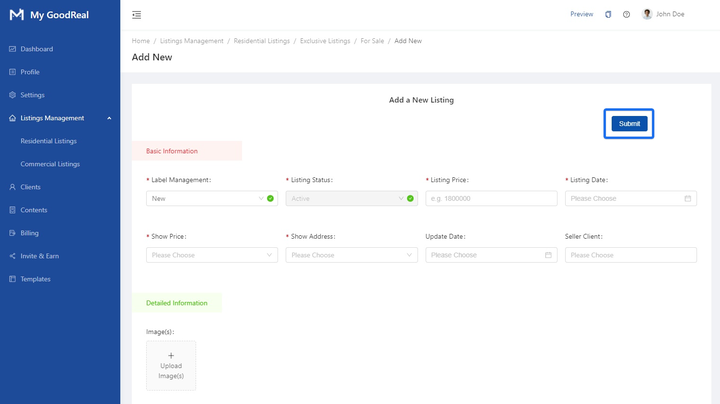
Add a New Listing
a. Fill in all required information under Basic Information, Detailed Information, and Address. Click Submit to save all changes and add the listing.
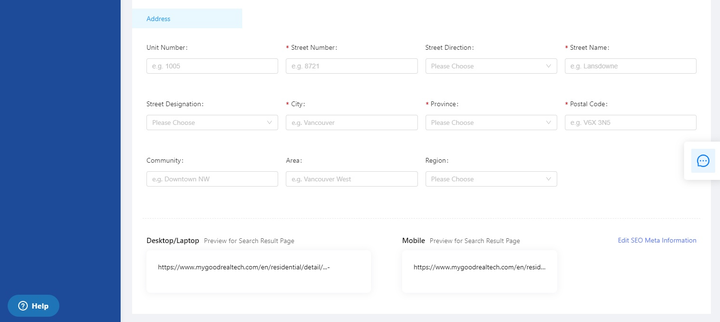
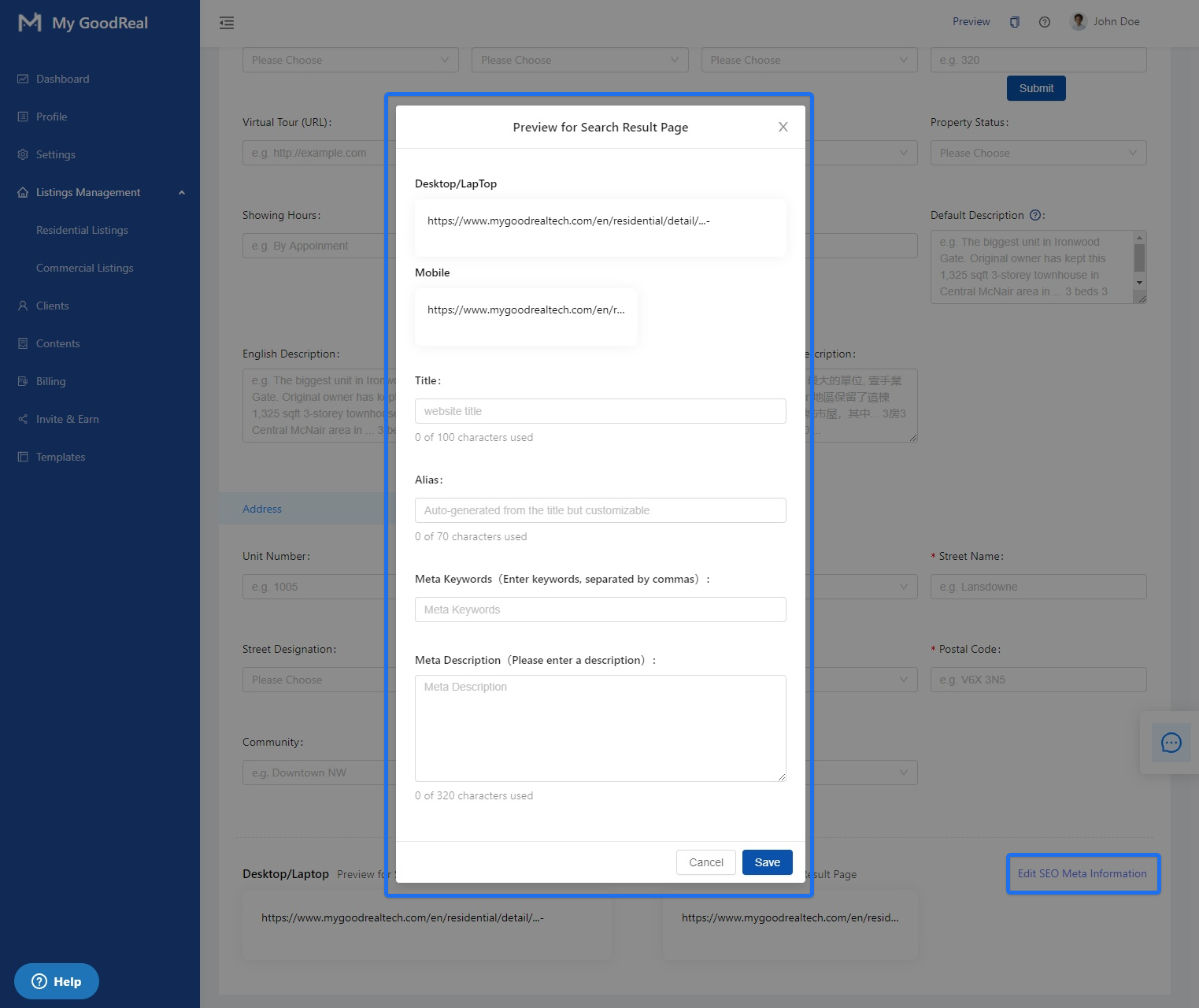
b. Click Edit SEO Meta Information to change how your information will display on the search result page. Fill in Title, Alias, Meta Keywords, and Meta Description.
Comments
0 comments
Article is closed for comments.