
View a complete record of the user’s viewings.
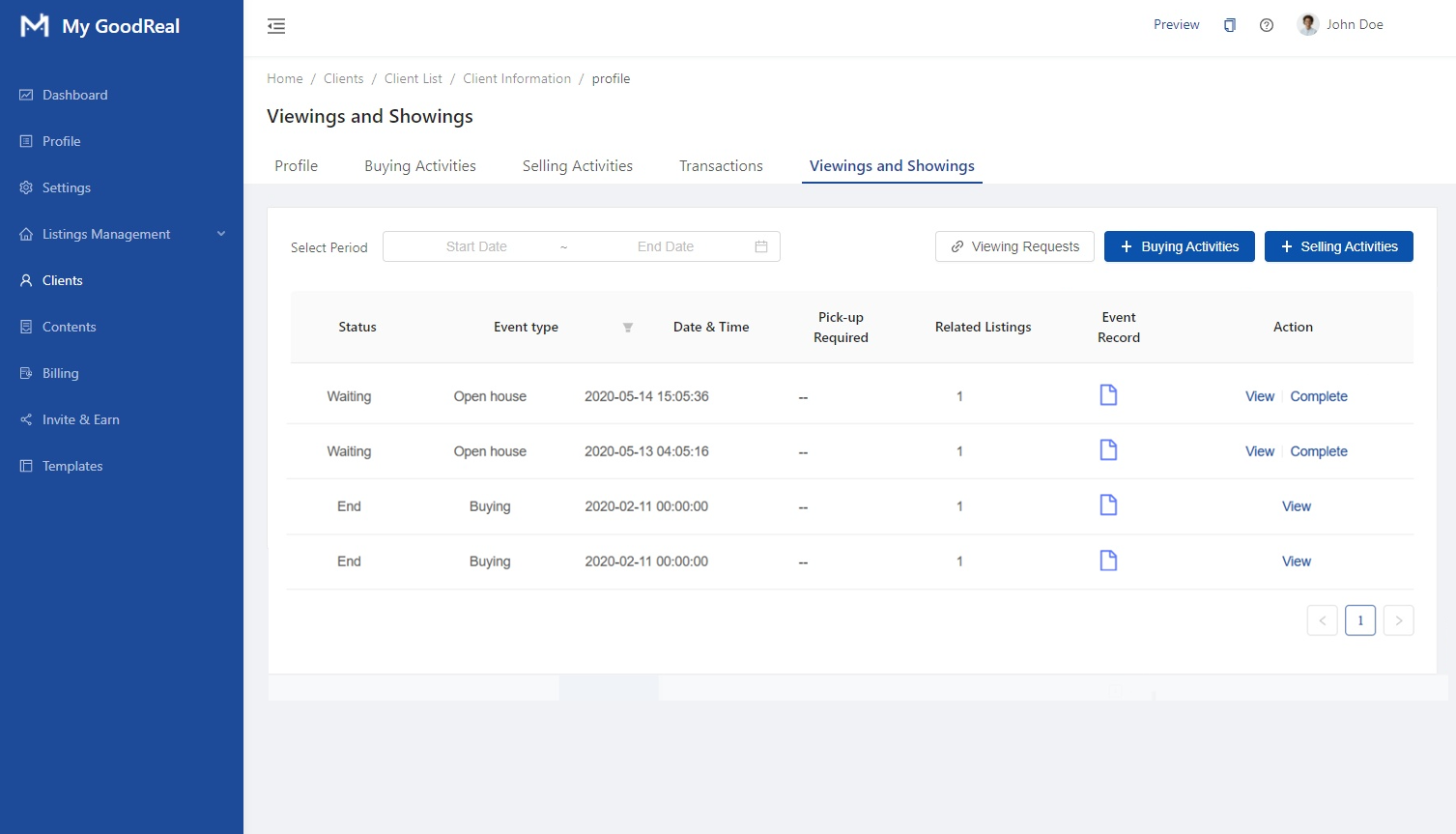
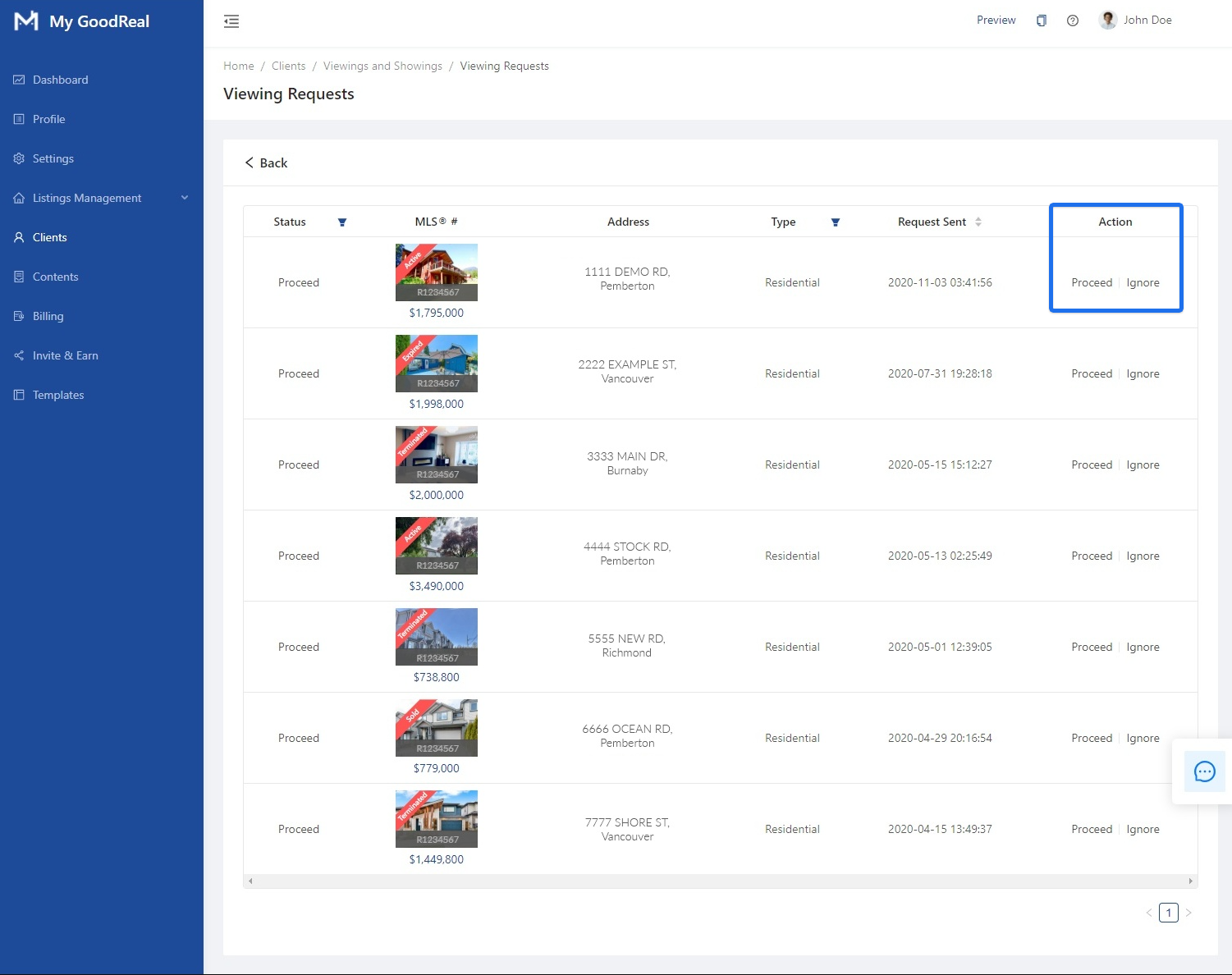
Click Viewing Requests to view all the listings that have been requested for viewing.

Choose to Proceed or Ignore viewing requests for each listing.
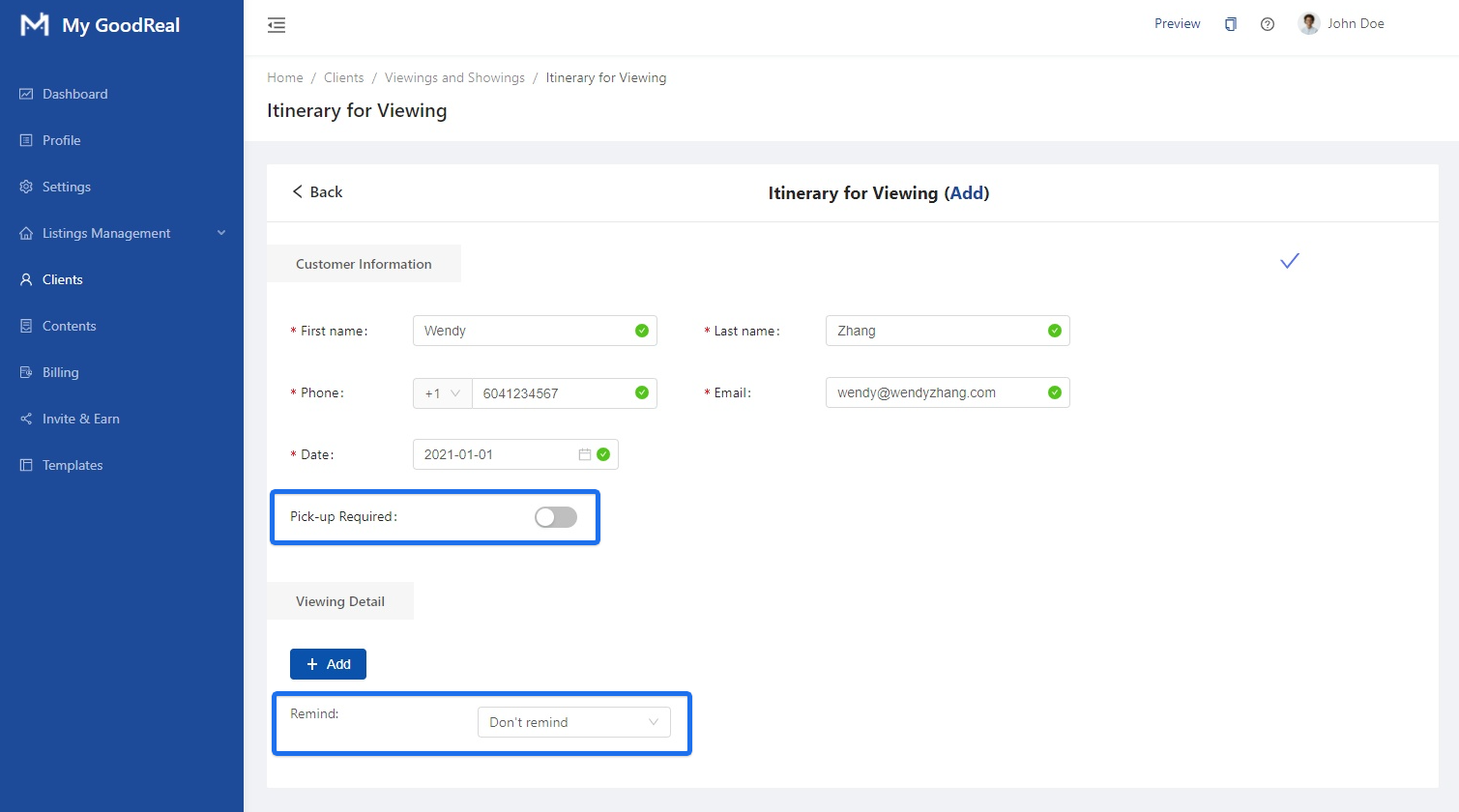
Click + Buying Activities.

View the Itinerary for Viewing for the user. You can edit the First Name, Last Name, Phone, Email, and Date. Toggle whether Pick-up Required and whether to Remind (i.e., to push reminders according before the scheduled showing).
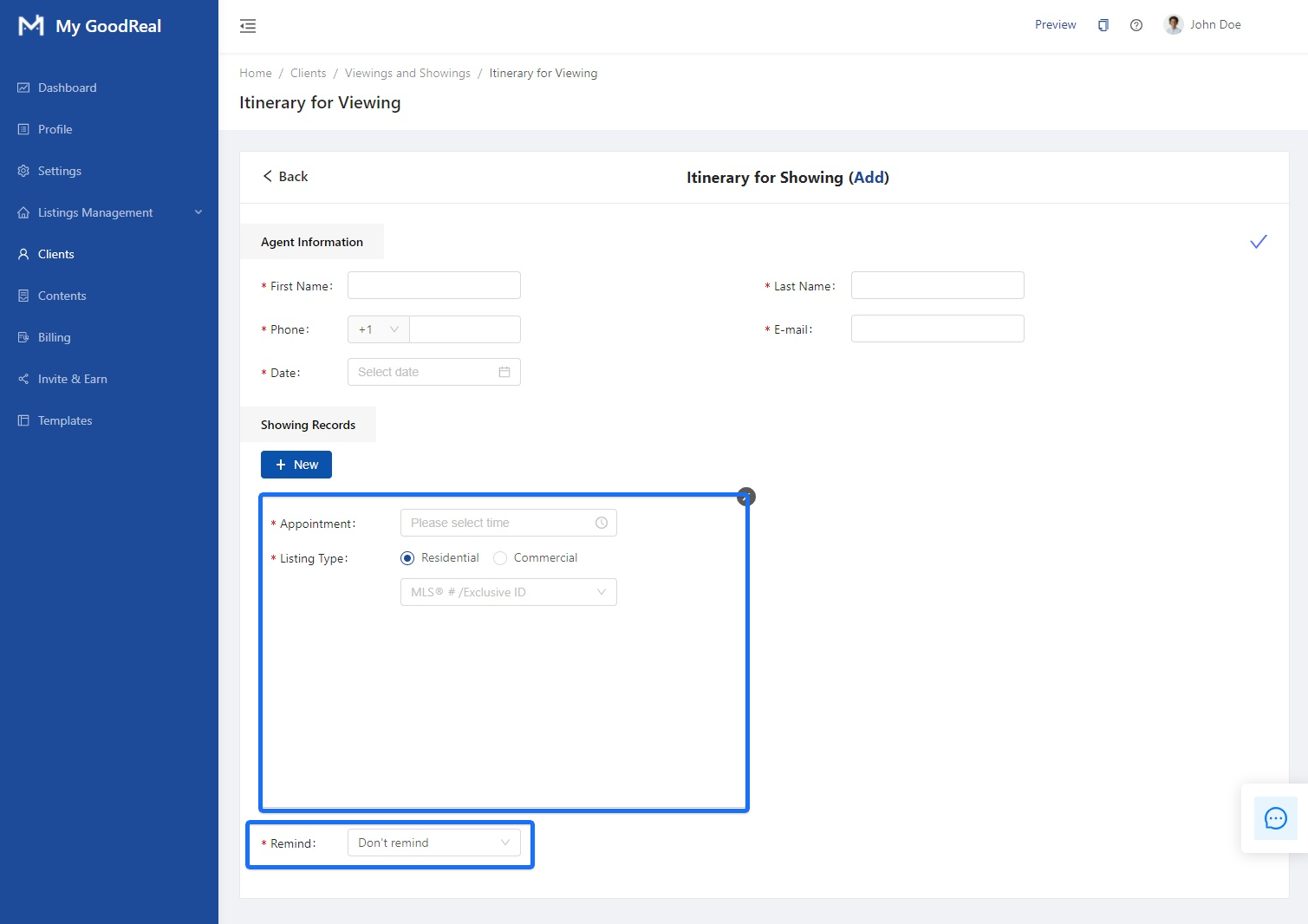
Click + Selling Activities.

View the Itinerary for Viewing for the user. You can edit the First Name, Last Name, Phone, Email, and Date. Choose the Appointment Time and Listing Type. Toggle whether to Remind (i.e., to push reminders before the scheduled showing).
Comments
0 comments
Article is closed for comments.